Homepage/Collaboration/Attendance
Desktop #
Step 1: Go to the DingTalk Admin Console #
Click More and Management to go to the webpage of Admin Console.

Step 2: Go to the Application page #
Click Attendance under Common Applications.

Step 3: Create a new attendance group #
Click Attendance Group Management – Overtime rule
In the Overtime rule page,
- Click + New overtime rules if adding a new overtime rule
- Click Edit if changing the existed overtime rules
- Click Modify for Overtime Basic Settings
In the pop-up, you will see details and set them as you want.


Mobile #
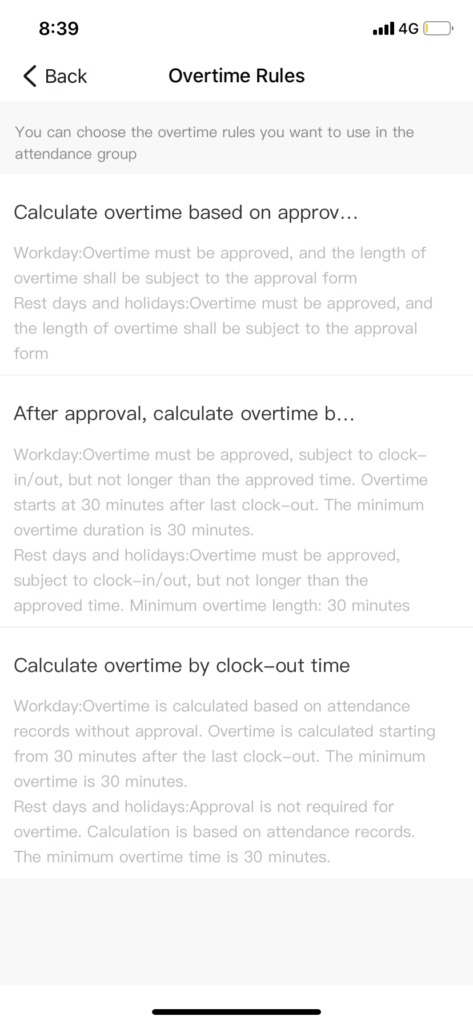
You can only select the overtime rules for attendance groups. If you want edit or add new overtime rule. Please go to the Admin console on your computer.
Step 1: Go to Attendance Settings #
Tap Workplace – Attendance – Settings


Step 2: Edit the attendance group information #
Tap the attendance group and More rules. Tap Overtime Rules and select one.