 Lark for Malaysian businesses
Chat, Meetings, Docs, Approvals and AI. One App for Your Whole Team.
Lark brings your team's messages, video calls, documents, projects and approvals into one place, with AI built in to summarise, translate and take notes for you.
Appnicorn sets up Lark for your team and integrates it with the systems you already use.

Too Many Apps. Not Enough Teamwork.
When work is spread across personal chat apps, email threads, shared drives and paper forms, things get lost and people spend their day chasing.
Work chat mixed with personal chat
Decisions sit in group chats that nobody can search later.
Files in five places
Which version is the latest? Nobody is sure.
Approvals on paper or email
Requests wait on someone's desk, and nobody knows where they are.
Meetings with no notes
Action points are forgotten as soon as the call ends.
Everything Your Team Needs, in One App
Lark is one app on desktop and mobile. Chats, documents, meetings and approvals sit side by side, so work moves from a conversation to a decision without switching apps.
Talk and meet

Messenger
Team chat with threads, @mentions, file sharing and built-in translation.

Meetings
Video calls with screen sharing, recording and live editing of documents together.

Minutes & AI Meeting Notes AI
Meetings turned into searchable transcripts, with AI summaries and action items.

Calendar
See who is free, share booking links and schedule across teams.

Manage team email in the same app as your chats and files.
Write and share knowledge

Docs, Sheets & Slides
Create, edit and present together in real time, with permission controls.

Wiki
One home for your company's guides, policies and know-how.
Forms
Collect requests, feedback and survey answers straight into Lark.
Run projects, processes and integrations
Base
Build trackers, workflows and dashboards without code.

Approval
Submit, approve and track requests from desktop or phone.

OKR
Set goals, align teams and track progress in one place.
Meegle
Plan and track complex, multi-team projects visually.

Lark Developer
APIs to build custom solutions and connect Lark to your other systems.
AI That Works Where Your Team Already Works
Lark's AI is part of the tools your team uses every day, not a separate app to learn. It helps with the routine work so your people can focus on decisions.
- Summarise long documents into the key points
- Transcribe meetings and write the meeting notes for you
- Pull details from text or images into Base records automatically
- Translate messages and meetings for teams that work in different languages
- Generate formulas and pull insights from data in Sheets
How Lark Helps Your Team Every Day
Work Chat That Keeps Up With You
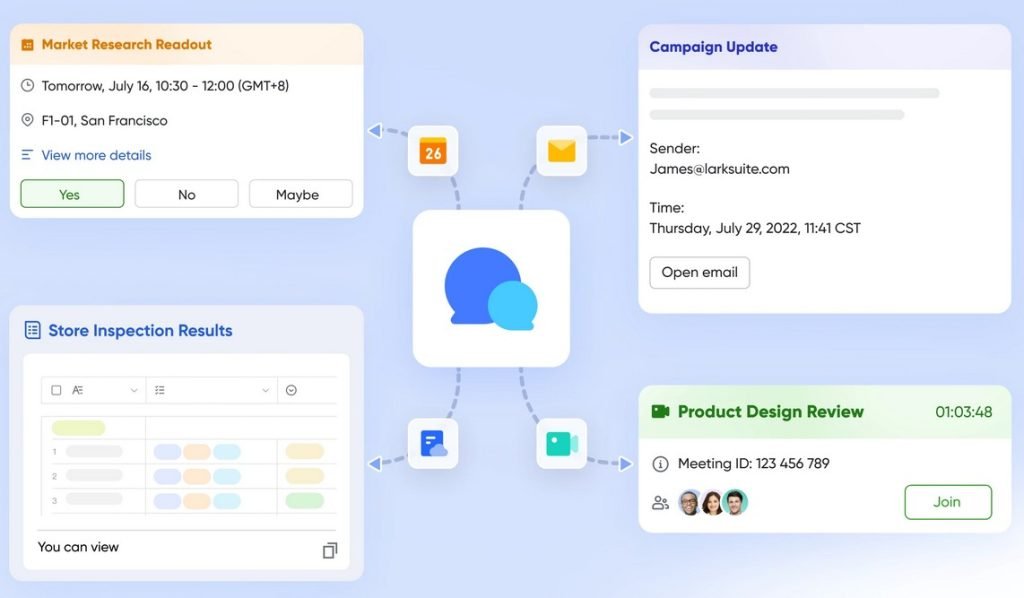
Keep work conversations in one feed, separate from personal chat, so nothing important gets buried.
- Threads keep each topic tidy
- @mentions to get attention on what matters
- Built-in translation for multilingual teams
- Share files, documents and emails straight into a chat
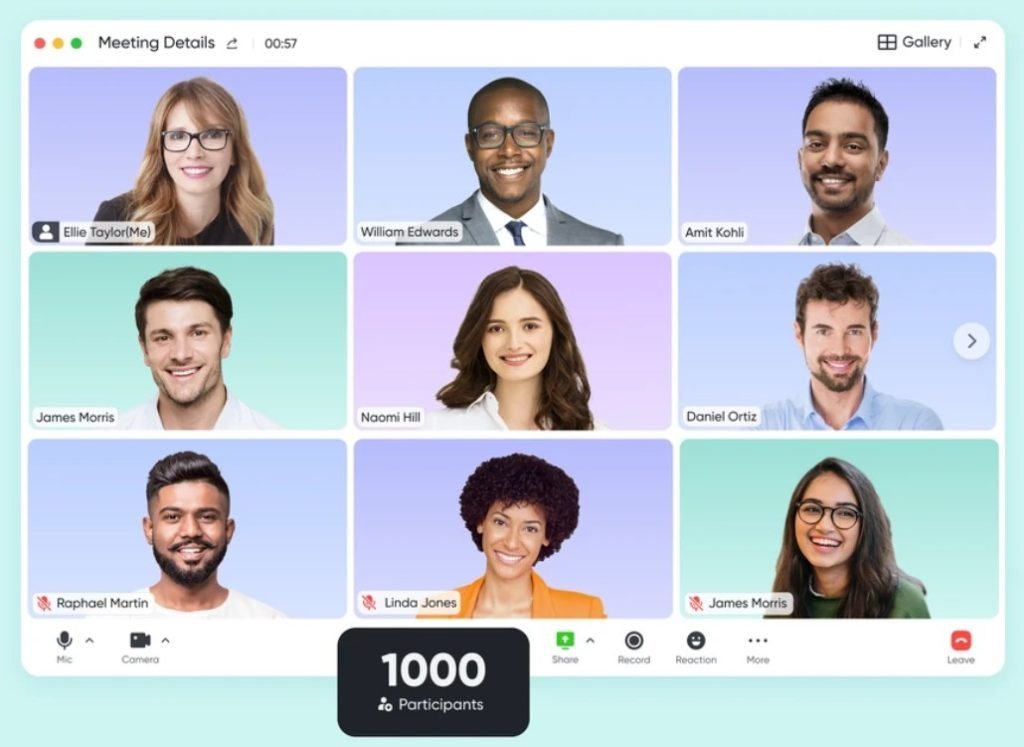
Meet, Then Let AI Write the Notes
Start a video call from a chat or a calendar invite. Minutes records the call and gives everyone a searchable transcript, and AI Meeting Notes picks out the key decisions.
- Screen sharing, and Magic Share to edit a document together during the call
- Transcripts you can search, translate and play back
- Notes that sync across your workspace after the meeting
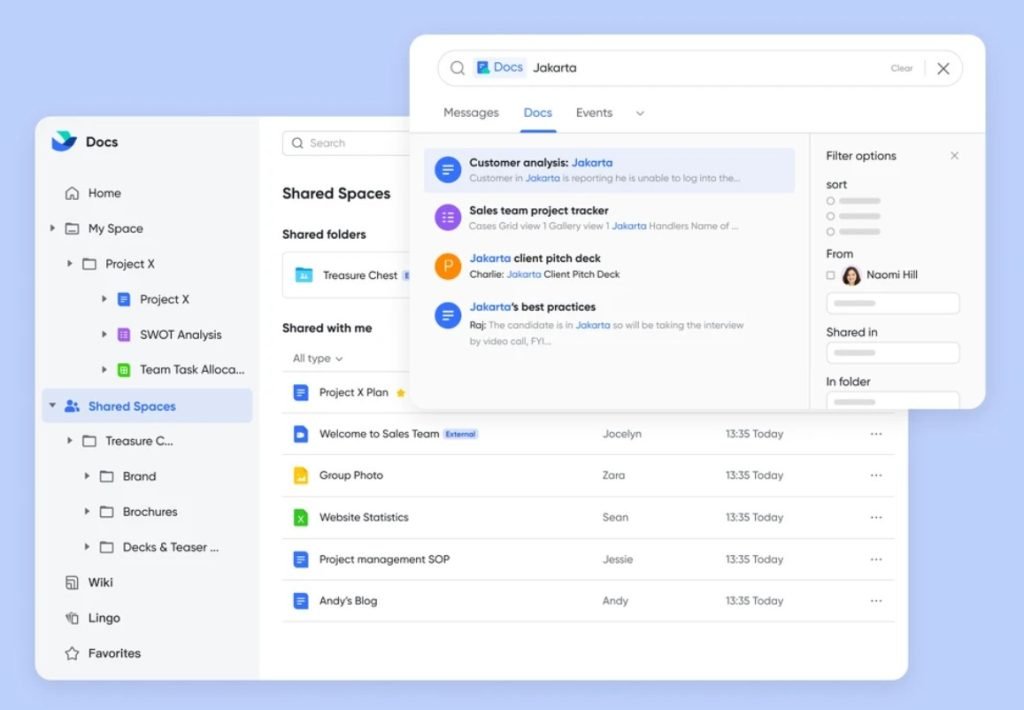
One Version of Every Document
Write, comment and edit together in real time. Organise what your company knows in Wiki so new staff find answers without asking.
- Docs, Sheets and Slides in one place
- Permission controls on every file
- Wiki spaces for policies, guides and SOPs
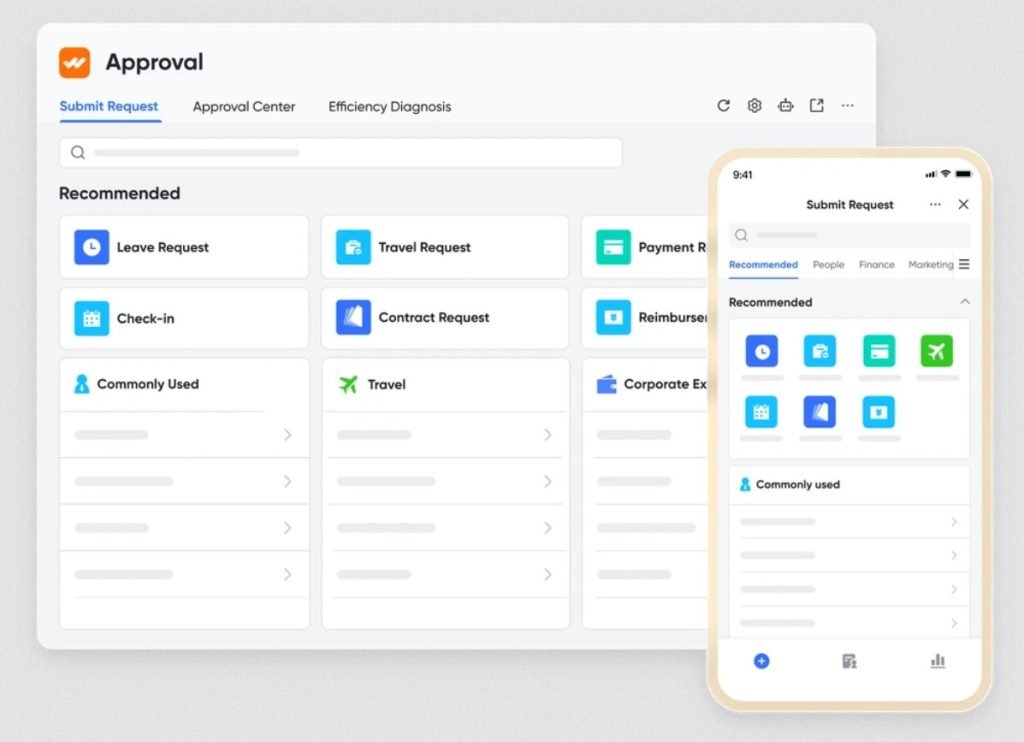
Approvals in One Place, Not One Desk
Leave, claims, purchases and other requests are submitted and approved from desktop or phone, and you can track where each one is.
- Approval forms and flows set up to suit your team
- Approve on the go from the mobile app
- Every request tracked in one place, not scattered across tools
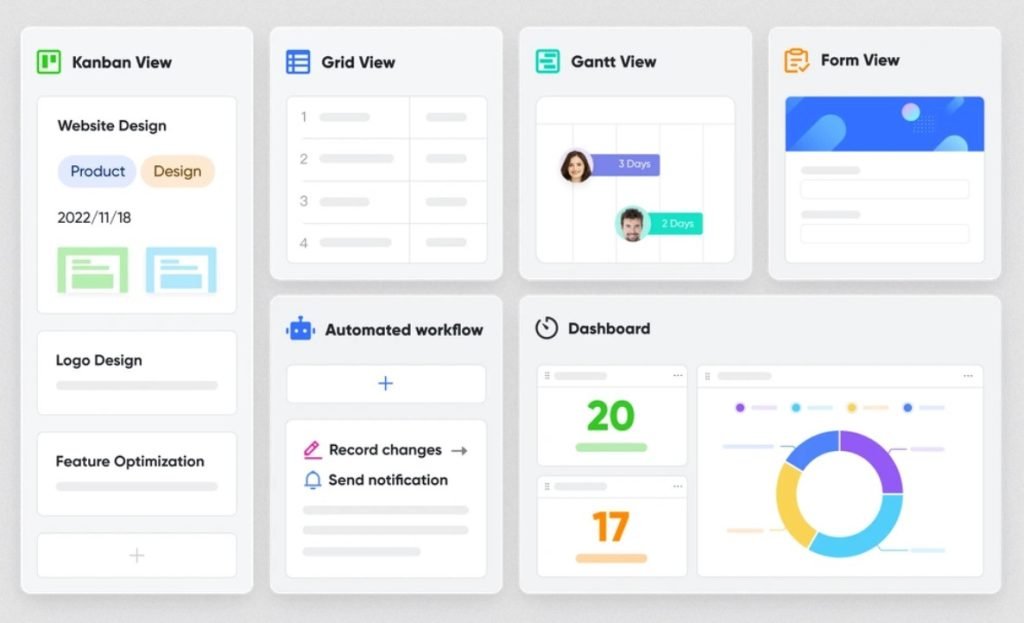
Projects and Workflows Without Code
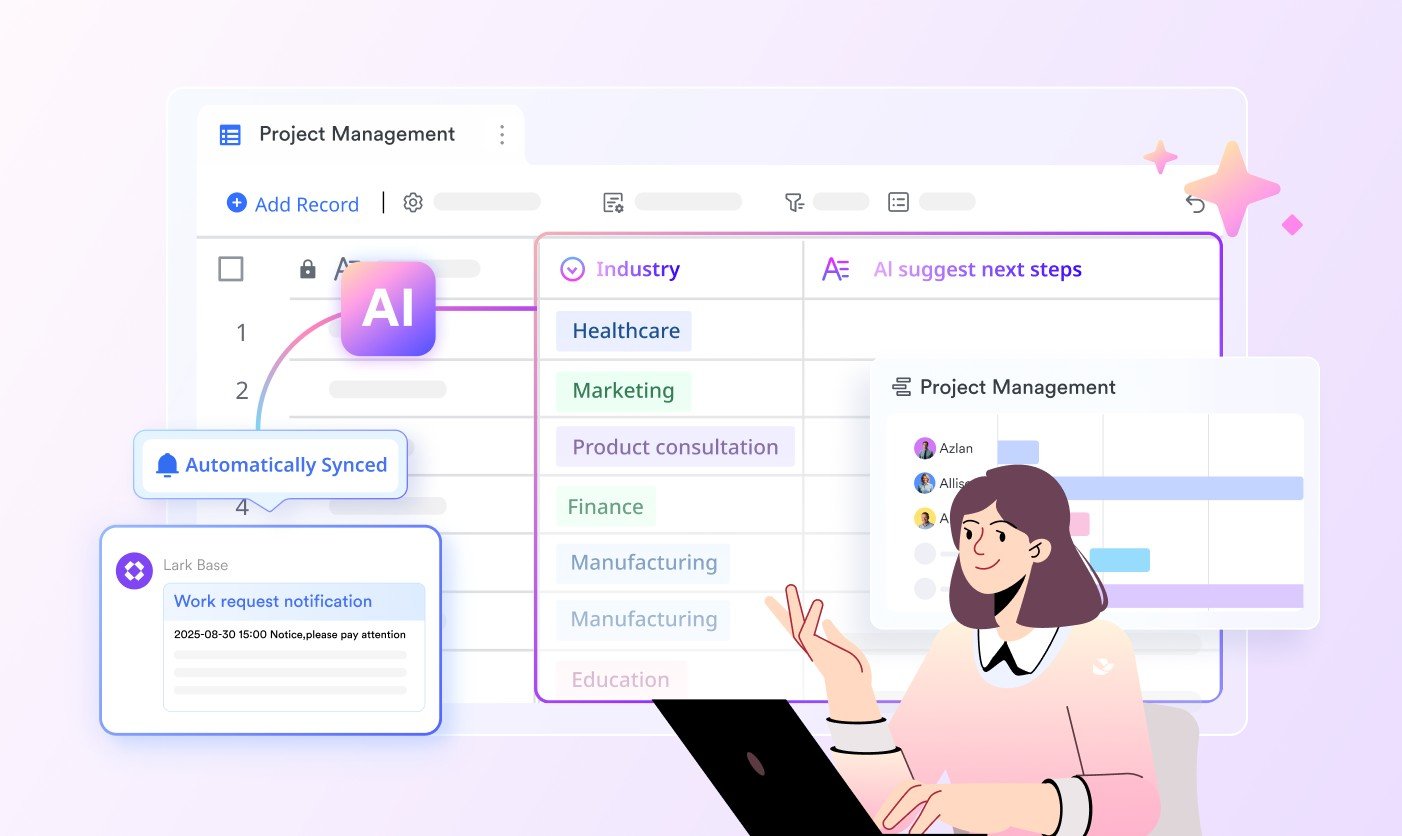
Move your spreadsheets into Base to track projects, customers or stock, then add automations and dashboards.
- Import from Excel in one click, then use grid, kanban, Gantt, calendar, gallery or form views
- Automations that send updates to chat or start approvals
- Dashboards with charts, shareable without sharing the whole base
- AI fields that tag, extract and summarise for you
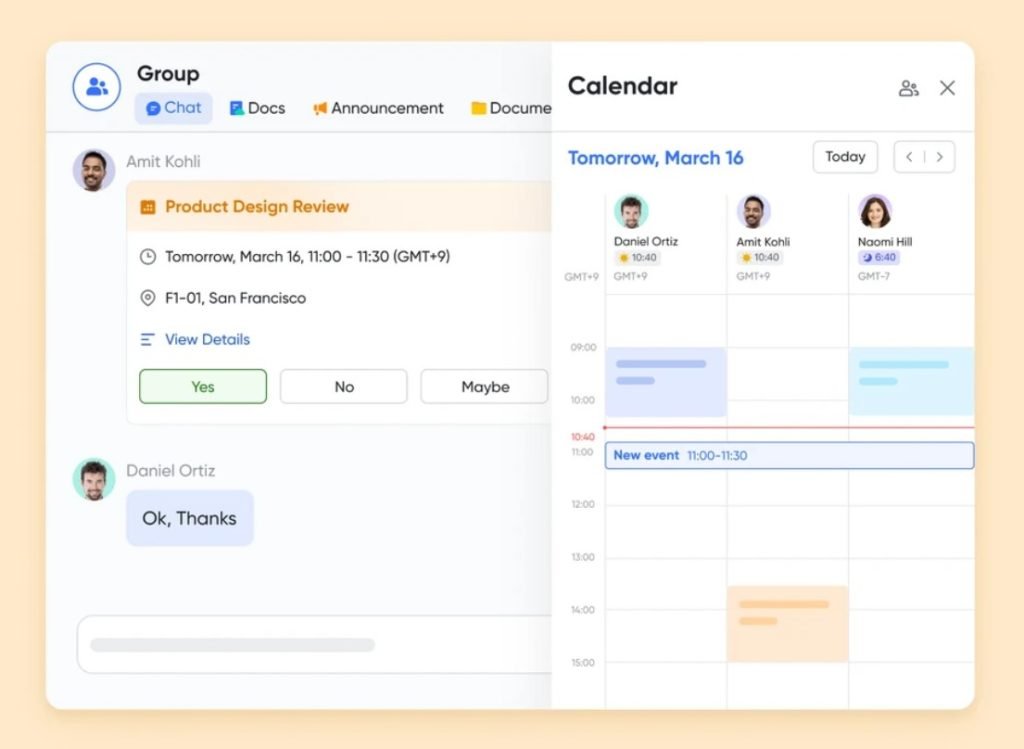
Your Schedule and Inbox, Next to Your Chats
Check colleagues' availability side by side in a group chat, or share a booking link with clients. Lark Mail keeps team email in the same app, synced across devices.
- Public calendars and booking links with a Meetings link created for you
- Scheduling across time zones
- Email with offline reading, cross-device sync and sharing into chat
Set Up to Fit How Your Team Works
No two teams work the same way. We customise Lark to your needs, from chat groups and approval flows to Base tables and dashboards, and adjust it as your business grows.
We Set Up Lark and Connect It to Your Systems
Appnicorn is an IT company in Petaling Jaya with years of experience building business systems. We set up Lark around how your team works and connect it to the rest of your business.
Understand your setup
We learn how your team works today, which systems you use and what you need Lark to do.
Set up Lark
We set up your workspace, groups, approval flows and Base tables around how you work.
Integrate your systems
We connect Lark with the other systems your business runs on, so information flows without copying and pasting.
When a Process Needs Strict Control, Meet APES
Lark is where your team talks and collaborates. Some processes need more: approval limits that cannot be skipped, controlled document numbering and a record of who approved what.
That is what APES, Appnicorn's own platform, is built for. Bring us the one process that hurts most.
Common Questions
What is Lark?
Lark is an all-in-one workplace app that combines chat, video meetings, documents, calendar, email, projects, approvals and AI in one place, on desktop and mobile.
What can my team use Lark for?
Team chat, video meetings with AI notes, writing and sharing documents, a company wiki, tracking projects in Base, and submitting and approving requests such as leave and claims.
Does Lark have AI?
Yes. Lark's AI can summarise documents, transcribe meetings and write meeting notes, translate, and extract information into Base.
What is the difference between Lark and Feishu?
They come from the same developer. Lark is the version for markets outside mainland China, including Malaysia. Feishu is mainly used in mainland China.
Who is behind Lark?
Lark is developed by Lark Technologies Pte. Ltd., based in Singapore.
How does Appnicorn help?
We set up your Lark workspace around how your team works and integrate Lark with the systems you already use. Talk to us to get started.
Bring Your Team Together on Lark
Tell us how your team works and which systems you use. We will set up Lark and connect it for you.
Talk To Us