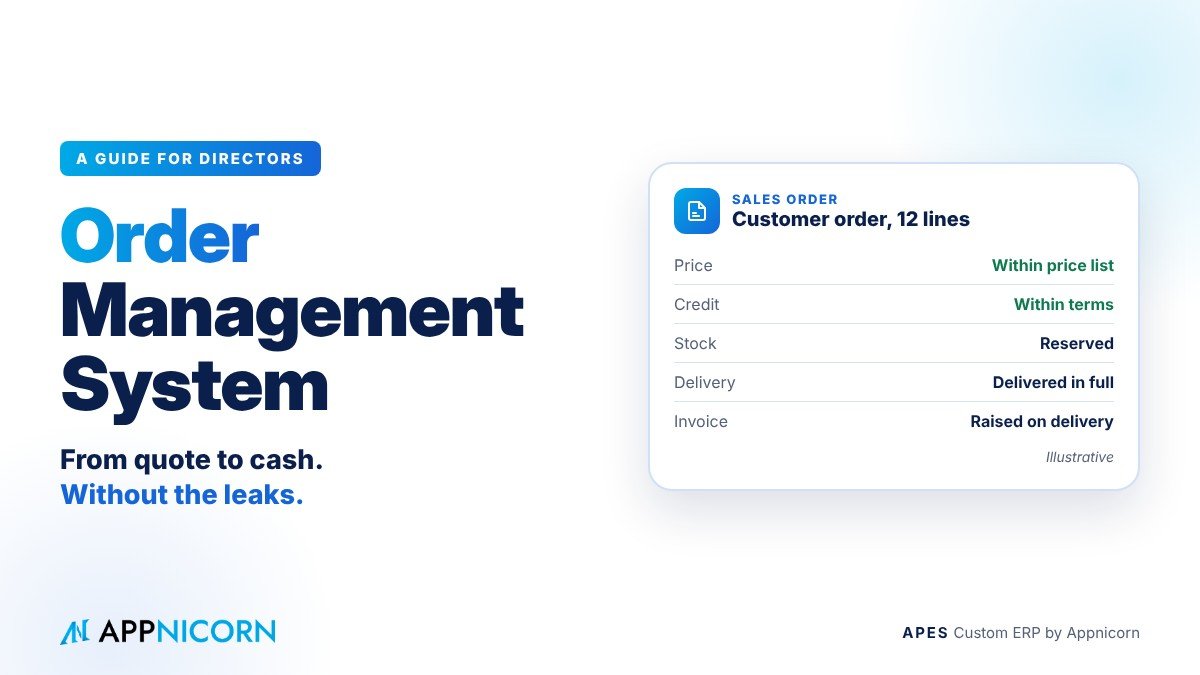
Ask a director where their business makes money, and they will usually point to sales. Ask where it loses money, and the answer is less obvious. Very often, it is in the space between taking an order and collecting the cash for it.
That space is full of handovers. A salesperson agrees a price. Someone confirms stock. The warehouse picks and packs. A driver delivers. Finance raises an invoice and, eventually, chases payment. Each handover is a chance for something to go wrong: a price that was never approved, a delivery made to a customer who had already stopped paying, an invoice that went out a week late, a part delivery that was never billed at all.
An order management system is designed to close those gaps. This guide explains what one does, where orders typically leak, which controls directors should insist on, and how to introduce one in a way that improves cash flow without slowing down sales.
What an order management system does
An order management system follows each order through its whole life, from the first quotation to the moment payment is received. It records the order once and then carries it through every step: pricing and approval, stock reservation, picking and packing, delivery, invoicing and collection. It also handles what happens when things do not go to plan, such as part deliveries, changes, cancellations, returns and credit notes.
Its real value is that everyone works from the same order. Sales knows what was promised and when. The warehouse knows what to pick. Finance knows exactly what was delivered and what to bill. And management can see, at any moment, where every order stands and which ones are stuck.
Where orders leak money
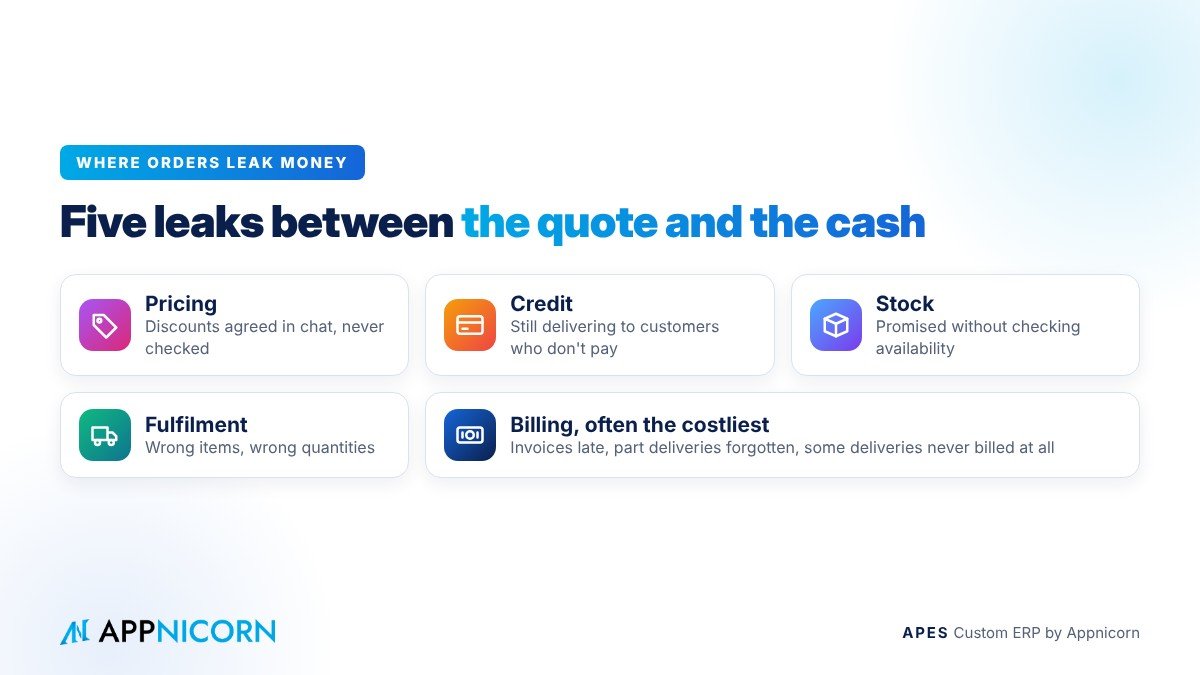
Most businesses do not lose money on orders in one dramatic event. They lose it in small, repeated leaks that are hard to see.
Pricing is the first. Discounts and special prices are often agreed verbally or in a chat message. When nobody checks them against the price list or the customer's agreed terms, margin quietly disappears.
Credit is the second. If sales cannot see that a customer is already past their credit terms, they keep taking orders, and the business keeps delivering goods to a customer who is not paying.
Stock is the third. Promising delivery without checking real availability leads to late or part deliveries, unhappy customers and emergency purchases at worse prices.
Fulfilment is the fourth. Wrong items, wrong quantities and missing items cost money twice: once in the goods and once in the effort of putting it right.
Billing is the fifth, and often the most expensive. When finance hears about deliveries second-hand, invoices go out late, part deliveries are forgotten, and some deliveries are never billed at all. Every day an invoice is late is a day longer before the cash arrives.
Why spreadsheets and chat groups cannot hold an order
In many growing companies, orders are managed through a mix of WhatsApp, email, Excel and paper. Each tool holds a piece of the order. The quotation is in an email, the confirmation in a chat, the quantities in a spreadsheet and the delivery order on paper.
The problem is not that these tools are bad. It is that none of them knows the whole order, and none of them knows your rules. They cannot stop a price that is too low, hold an order from an overdue customer, or tell finance that a delivery has been completed. Those checks depend on someone remembering to do them, every time.
As order volume grows, that memory becomes the weakest point in the business.
The order journey, step by step
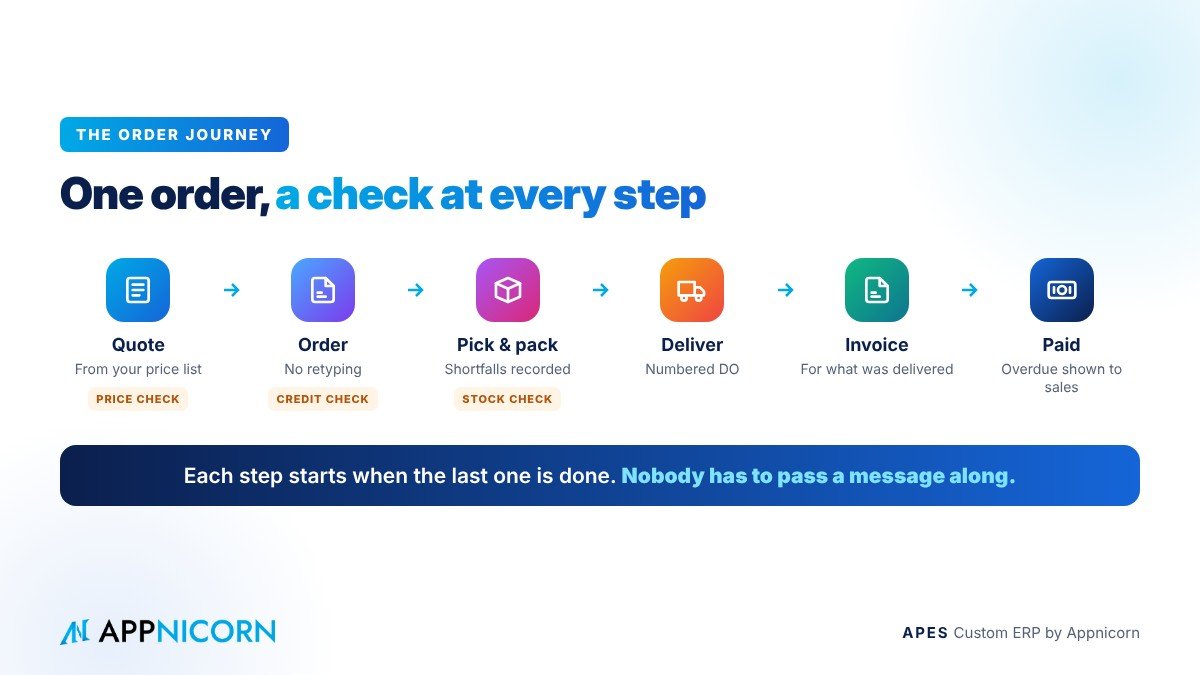
A well-designed order management system follows the order through a clear sequence, with a check at each stage.
It begins with the quotation, prepared from the current price list and the customer's terms, and approved if it falls outside them.
When the customer confirms, the quotation becomes an order without being retyped. At this point the system checks the customer's credit position and the availability of stock.
The order is then released to the warehouse, which picks and packs against it. Anything that cannot be supplied is recorded as a shortfall rather than silently dropped.
Delivery is confirmed against a numbered delivery order, ideally with the customer's acknowledgement. Part deliveries are recorded as such, so the balance is not forgotten.
Confirmation of delivery tells finance to invoice, for exactly what was delivered. Finally, payment is recorded against the invoice, and overdue amounts become visible to sales before the next order is taken.
At every step, the order moves on automatically when the previous step is complete. Nobody has to pass a message along.
The controls directors should insist on
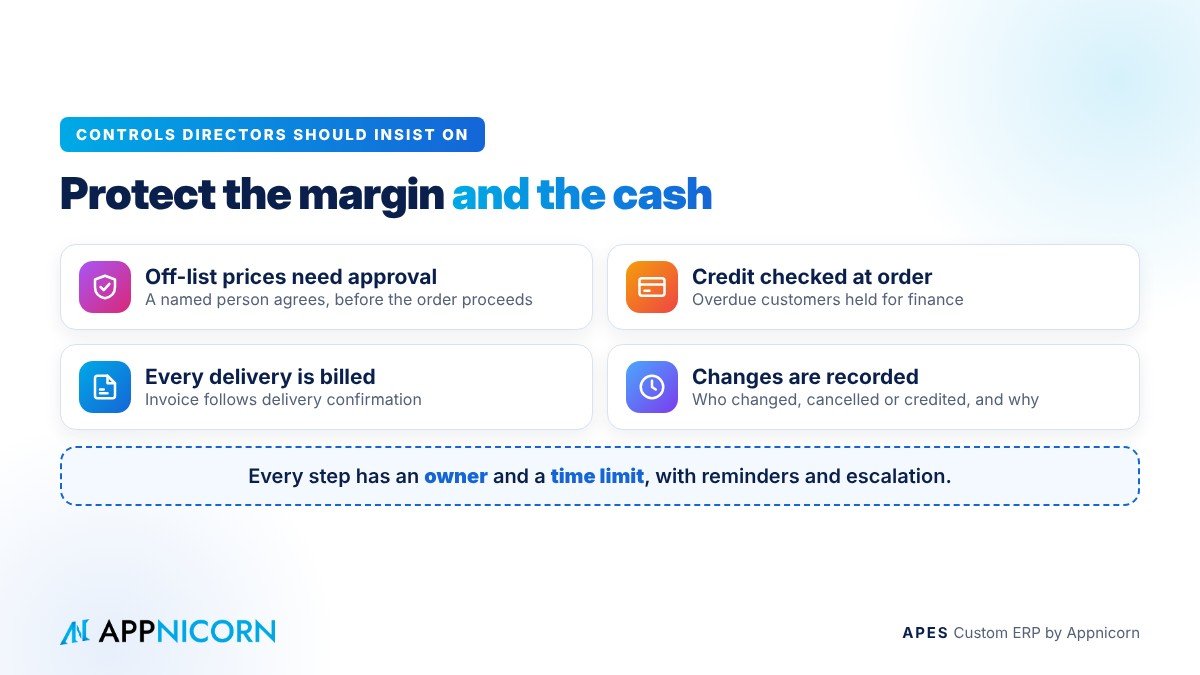
An order system is only as good as the controls built into it. A few matter more than the rest.
Prices and discounts outside the agreed rules need approval. A salesperson can still offer a special price, but a named person with the authority must agree to it before the order proceeds, and the decision is recorded.
Credit is checked when the order is entered, not after delivery. Orders from customers who are past their terms or over their limit are held for finance to decide.
Every delivery is billed. Because invoicing follows delivery confirmation, nothing leaves the building without being invoiced, and part deliveries are invoiced for what was actually delivered.
Changes are recorded. When an order is changed, cancelled or credited, the system keeps the history, including who made the change and why.
And every step has an owner and a time limit. Orders waiting for approval, picking or invoicing do not sit unnoticed. Reminders go out and, if needed, they are escalated.
What management should be able to see
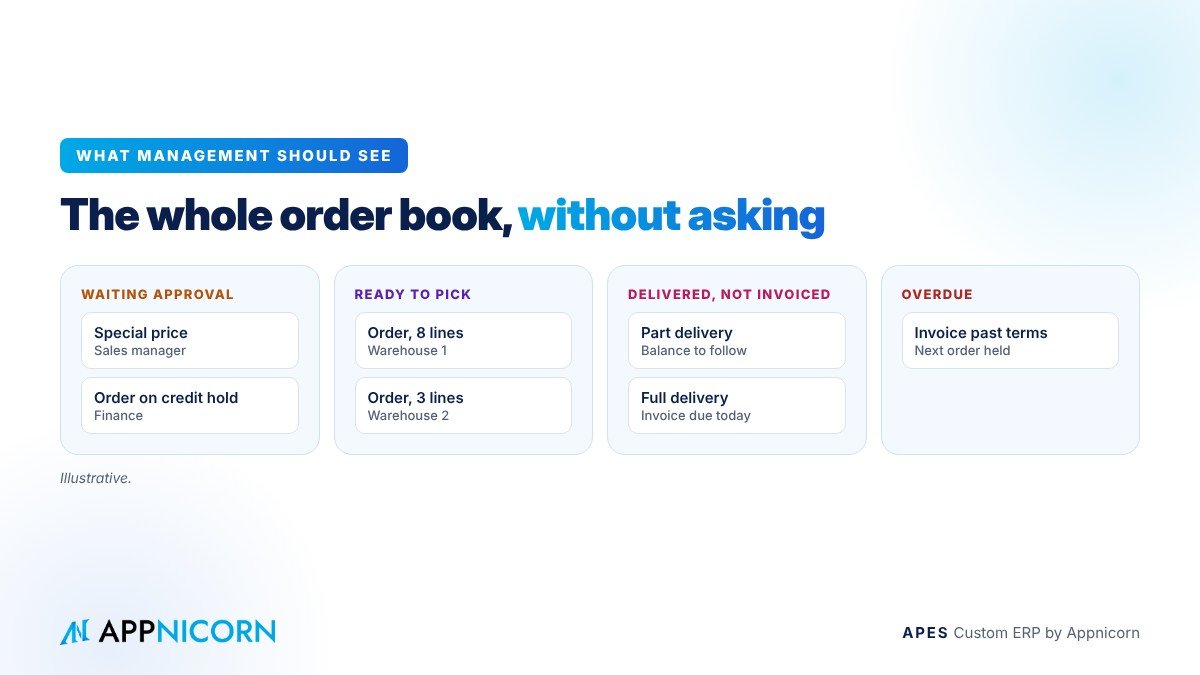
With these steps and controls in place, management can see the order book clearly without asking anyone for an update. They can see orders waiting for approval, orders ready to pick but not yet picked, deliveries completed but not yet invoiced, invoices overdue for payment, and customers whose orders are on hold for credit.
That view changes how the business is run. Instead of discovering at month-end that deliveries went unbilled or that a customer has a large overdue balance, managers can act within days, while there is still time to recover the money and protect the relationship.
Why your order process needs a system built around it
Order processes vary widely between businesses, even in the same industry. One company sells on consignment and bills only when the customer sells the goods. Another delivers in stages over several weeks. Another has customer-specific price lists, contract pricing or volume tiers. Some need a site photo or signed acknowledgement before an order can be closed. Others manage orders across several branches and warehouses.
A system that cannot hold these realities forces the team back to spreadsheets and chat for the exceptions, which is exactly where the money leaks. This is why many growing companies find that an order system built around their own steps, rules and documents works far better than one that asks them to change how they sell.
Connecting orders to the rest of the business
The order is the thread that runs through the whole operation. It connects sales to stock, stock to delivery, and delivery to finance. When the order system sits in the same workspace as purchasing, the warehouse and delivery, a confirmed order can reserve stock, a shortage can prompt a purchase request, and a completed delivery can trigger the invoice. The order stops being a document that is passed around and becomes the record that drives the work.
How to introduce it without slowing sales
Sales teams are understandably wary of anything that might slow them down, so the rollout matters.
Start with the leak that costs you most. For some businesses that is unbilled or late-billed deliveries. For others it is discounts or credit control. Fix that first, and the value is visible quickly.
Keep the order entry simple. If entering an order in the system takes longer than sending a WhatsApp message, salespeople will go back to WhatsApp. The form should ask only for what is needed, and should fill in prices and customer terms automatically.
Make the system the only way an order reaches the warehouse. If the warehouse still accepts orders from chat messages, the system will never hold the full picture.
Then review the record after a few weeks. Which orders wait longest? Where are approvals slowing things down? Which customers are regularly held for credit? Adjust the rules, and move on to the next step of the order journey.
APES: an order system built around how you sell
APES (said "A-pes") is a custom ERP made by Appnicorn, a Malaysian IT company with years of experience building business systems. Every module in APES is customised to your company's unique needs, and the order journey is one of the places where that matters most.
In APES, your quotation, order, delivery and invoicing steps follow your own sequence, with your own price rules, credit checks and documents. Discounts and orders outside your rules go to the right people for approval, with deadlines, reminders and escalation so nothing waits forgotten. Delivery orders and other documents are numbered under control, and every step and decision is kept in a tamper-evident audit trail. Because each business works in its own workspace, orders sit alongside purchasing, stock, delivery and claims, all working from the same records. If you need a module that does not exist yet, Appnicorn designs and builds it with you.
AI works inside APES as a governed assistant. It can read and summarise documents, such as a customer's purchase order, and draft the next step, but it never acts beyond the rights of the person it works for, and a person always makes the decision.
Pricing depends on the process being built, so the best first step is a conversation. Bring us a few recent orders that went wrong, whether a price, a delivery or an invoice, and we will show you how each one would run in APES.
Talk to our team about an order system built around your business.