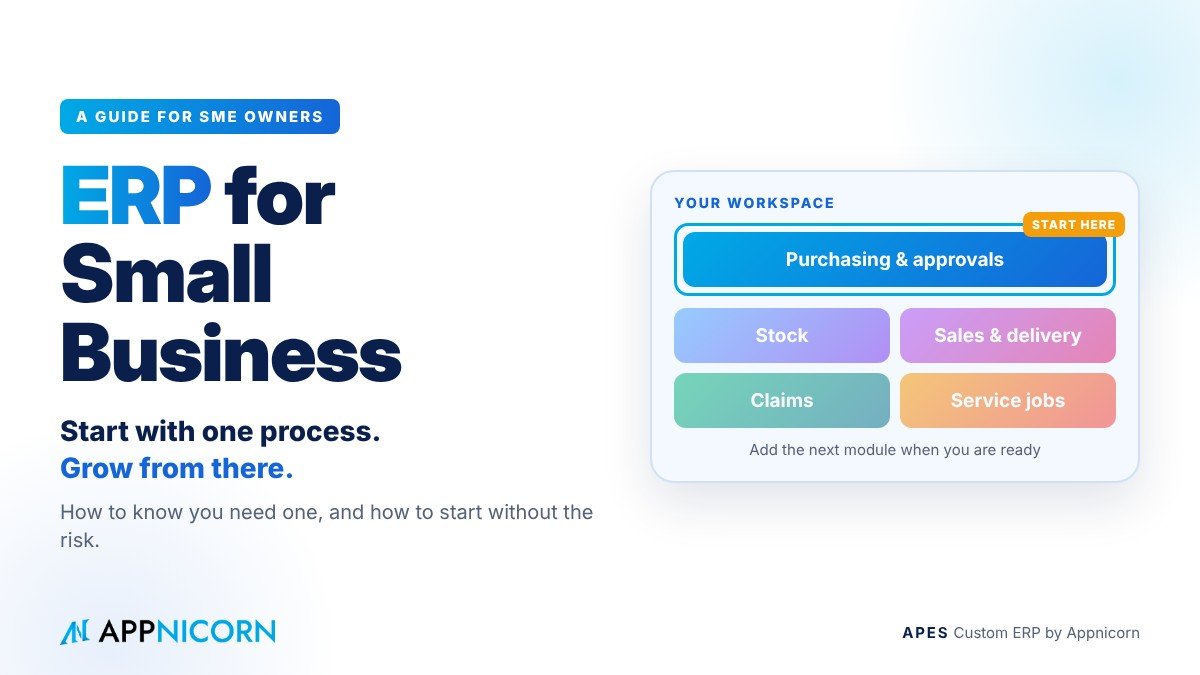
In many small businesses, the owner is the system. Every important approval goes through them. They know which customer always pays late, which supplier needs chasing and which staff member keeps the real stock figures. The business runs well, as long as the owner is there and nothing is missed.
That arrangement has a limit. As the company takes on more customers, more staff and perhaps a second branch, the owner can no longer see everything. Work spreads across Excel files, WhatsApp groups, email and paper. Problems that used to be caught by instinct start slipping through, and the owner spends more and more of the day answering questions instead of running the business.
This is usually the moment small business owners start asking about ERP. And it is usually the moment they hesitate, because ERP sounds big, expensive and disruptive. This guide is written for owners and directors of small and growing businesses. It explains what ERP really means at your size, how to tell whether you need one, which myths to ignore, and how to start in a way that keeps the risk small.
What ERP means for a small business
ERP stands for enterprise resource planning. The name was coined for large corporations, which is part of the reason small businesses feel it is not meant for them. But the idea behind it is simple and applies to any company with more than a handful of people.
An ERP is one system that connects the main activities of a business, such as purchasing, stock, sales, delivery and claims, so that information is entered once and shared by everyone who needs it. Instead of five tools that do not talk to each other, there is one workspace where requests, approvals, records and documents live together.
For a small business, the point is not to look like a large corporation. The point is to take the knowledge and rules that currently live in the owner's head and in a few experienced staff, and put them into a system that applies them every day, whether or not those people are in the office.
Signs your small business has outgrown its current tools
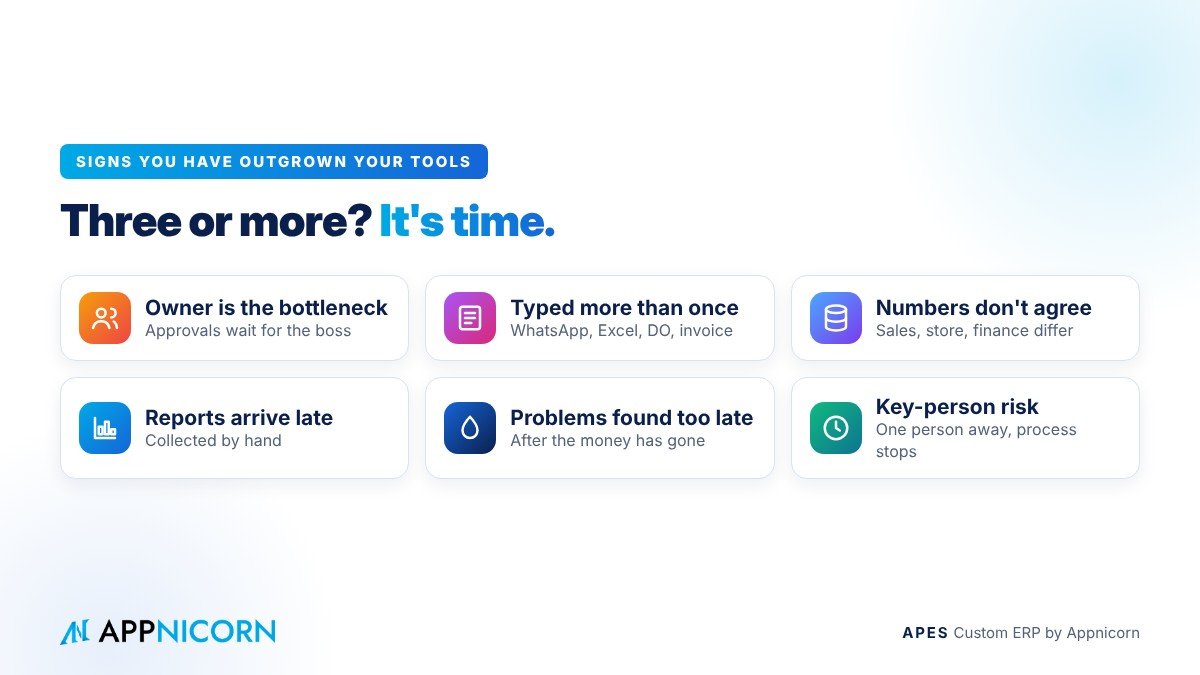
There is no fixed size at which a company needs an ERP. It depends far more on how the work flows than on headcount or revenue. A few signs, however, are very common.
The first is that the owner has become the bottleneck. Approvals wait until the boss is free, and decisions slow down whenever they travel or take leave.
The second is that the same information is typed more than once. An order arrives on WhatsApp, is copied into Excel, typed again into a delivery order and once more into the invoice. Every retype is a chance for a mistake.
The third is that nobody is sure which numbers are right. Sales, the store and finance each have their own version of stock or orders, and they rarely agree.
The fourth is that management information arrives late. To know how the month went, someone has to collect figures from several places by hand, and the answer comes weeks after it was useful.
The fifth is that problems are discovered after they have cost money: a discount that was never approved, an invoice that went out late, a customer who kept ordering while their payments were overdue.
The sixth is that the business depends on a few key people. When one long-serving staff member is away, a whole process stops, because only they know how it really works.
If three or more of these sound familiar, the business has probably outgrown spreadsheets and chat groups, whatever its size.
Four myths that keep small businesses from starting
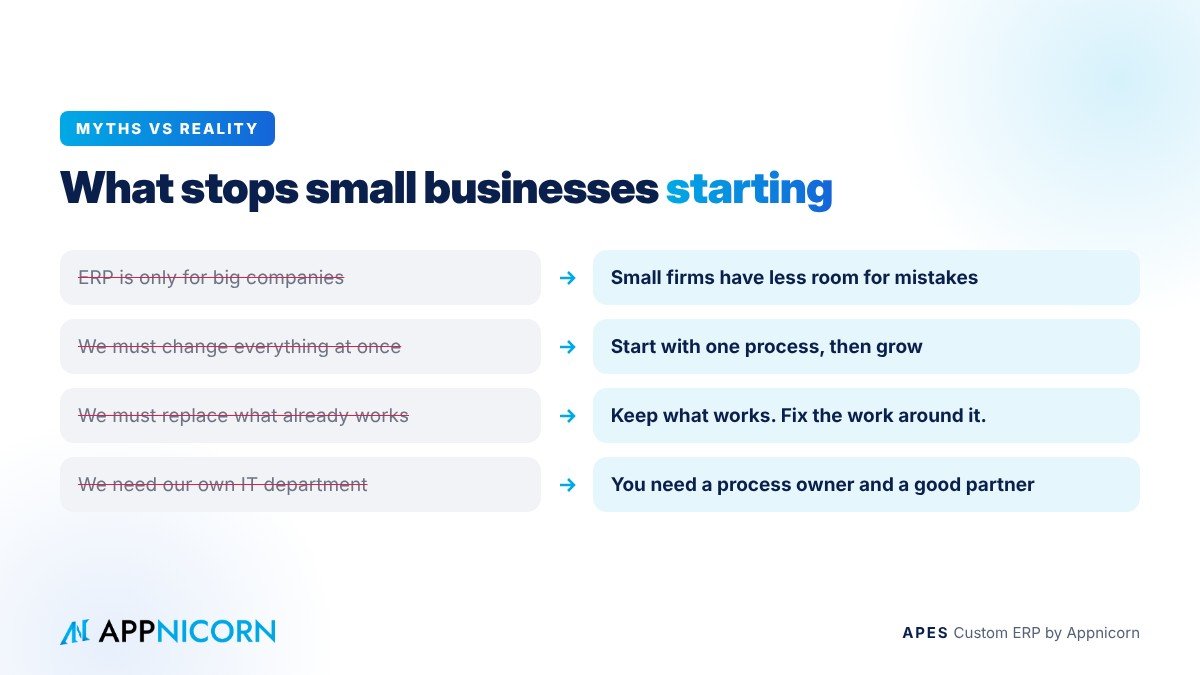
The first myth is that ERP is only for big companies. Large companies were the first to use ERP because they could afford long, expensive projects. The underlying problem it solves, keeping everyone on the same information and the same rules, is just as real in a company of twenty people. Arguably more so, because a small business has less room to absorb mistakes.
The second myth is that you must change everything at once. You do not. The most successful small business projects start with one process, usually the one that costs the most today, and add the next only when the first is working well.
The third myth is that you will have to replace the systems you already rely on. In most cases you will not. Many small businesses are perfectly happy with their accounting software, for example. A sensible ERP project focuses on the work around it, the requests, approvals, stock, orders and jobs that currently live in spreadsheets and chat, and leaves what already works in place.
The fourth myth is that you need your own IT department. A small business needs a clear owner for each process and a provider who builds and supports the system with you. It does not need in-house developers.
Why a small business ERP should be built around how you work
Small businesses are rarely standard. Their strength is often the very thing that makes them different: the way they price, the speed of their service, the special arrangements they have with key customers or suppliers. A system that forces those differences into a generic template either strips out what makes the business work, or gets ignored while the real work carries on in WhatsApp.
The basic order, stock or approval features that come as add-ons inside accounting software can be a reasonable first step, but they are usually too simple for a business that has its own rules. They cover the common case and leave the exceptions, which is where the money tends to leak, outside the system.
This is why a custom ERP makes particular sense for small businesses. When each module is built around your own forms, approval levels, documents and terms, staff recognise the process as their own. Adoption is easier, the rules you care about are applied every time, and the system can change as the business changes.
Where small businesses usually start
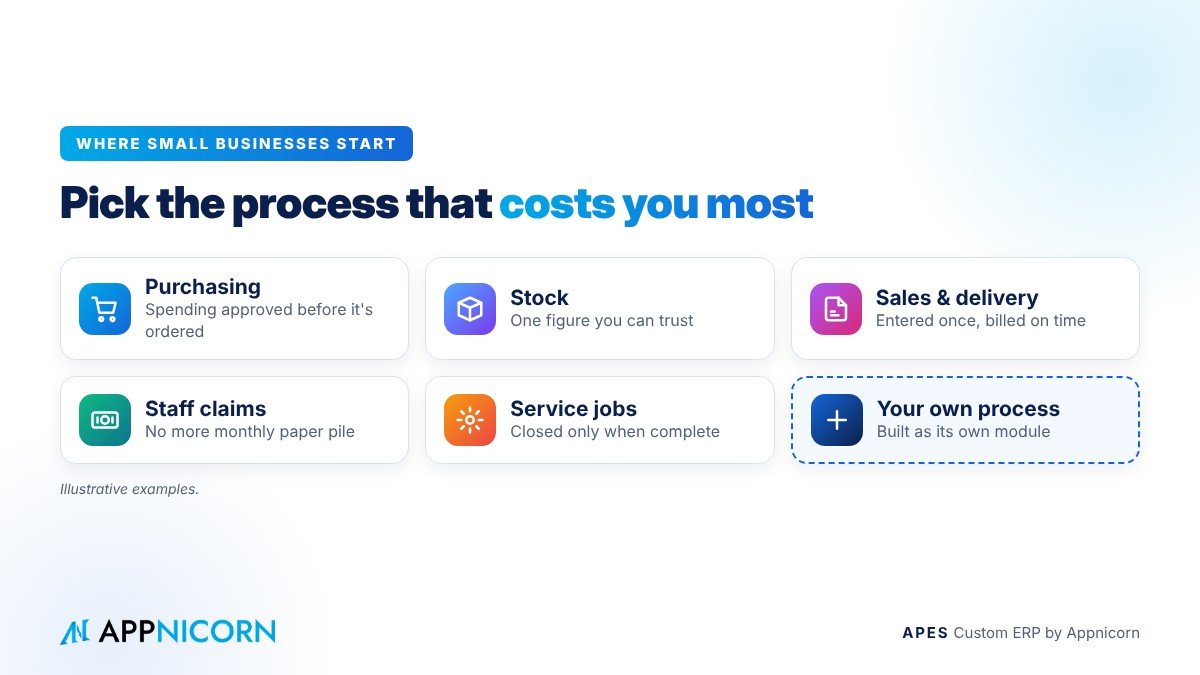
Every company is different, but most small business ERP projects begin in one of a few places. The examples below are illustrative.
Purchasing and approvals is a common first step. Purchase requests go to the right person based on the amount, approved requests become purchase orders, and the owner no longer has to sign every piece of paper personally to stay in control of spending.
Stock is another. When every movement is recorded as it happens, the business finally has one figure it can trust, and missing stock is noticed when it goes missing, not at the next count.
Sales orders and delivery is a third. Orders are entered once, the store knows what to pack, deliveries are confirmed, and finance knows exactly what to bill.
Staff claims is a fourth. Claims are submitted with receipts attached, routed to the right approver, and passed to finance only when approved, which ends the monthly pile of paper.
Service jobs is a fifth, for companies that send technicians or teams to customer sites. Jobs are assigned, tracked and closed only when the required checklist or photos are complete.
And sometimes the right starting point is a process that has no standard name at all, something specific to your industry. In a custom ERP, that can be built as its own module.
How to judge whether it is worth it
Small business owners are right to be careful with money. The most useful way to judge an ERP is not by its features but by the cost of the problem it removes.
Start by listing, as honestly as you can, the incidents of the last few months where something went wrong: the order shipped at the wrong price, the supplier paid twice, the stock that could not be found, the invoice issued late, the approval that waited a week. Add the time your managers spend each week collecting updates and checking numbers by hand. Then ask what it would be worth if most of those incidents simply did not happen.
That exercise usually makes the decision clearer than any brochure. It also tells you where to start: with the process behind the most expensive incidents.
Questions to ask any ERP provider
When you speak to providers, a few questions will tell you a great deal. Can the system be shaped to our own steps, approval rules and documents, and can new modules be built later? Can we start with one process and grow? Will our customisations survive when the system is upgraded? Is there a full record of who did what and when? How do we get our data out if we ever need to? Who builds the system, who trains our staff, and who supports us afterwards? And how is the price worked out for our situation?
A good provider will answer each of these plainly, in business language, and will want to understand your process before talking about software.
How to roll it out in a small team
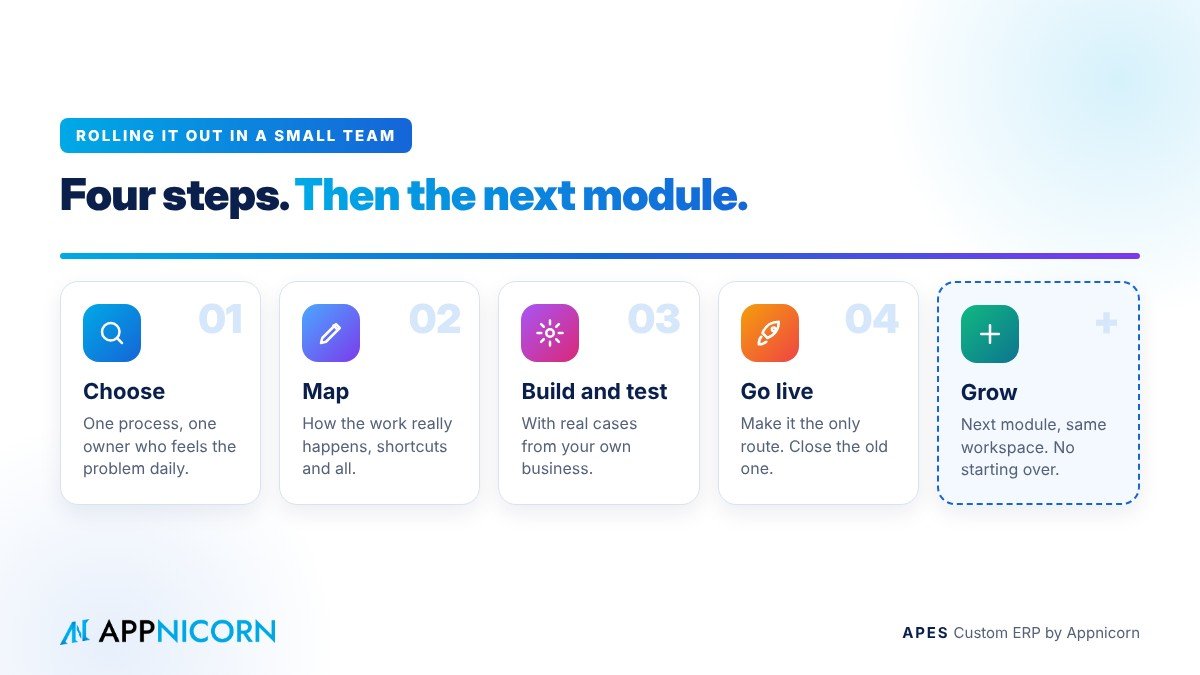
A small business has one big advantage over a large one: it can move quickly. A simple rollout usually has four steps.
First, choose the one process to start with, and name an owner for it, ideally a senior person who feels the problem every day.
Second, map how the work really happens today, including the shortcuts and exceptions. This is often where the most useful improvements are found, before any system is built.
Third, build and test the module with real cases from your own business, including the awkward ones.
Fourth, go live and make the new system the only route for that process. If staff can still do the same work through WhatsApp or a spreadsheet, many will, so close the old route once the new one is ready.
When the first module is running smoothly, choose the next one. Each step builds on the same workspace, so the business grows into its ERP instead of starting over.
What changes once it is in place
The first thing most owners notice is time. When approvals reach them with the details attached, and routine work flows without them, they stop being the bottleneck and get back to running the business.
The second is confidence. The numbers in the system can be trusted, so decisions about stock, pricing and spending are made on facts rather than guesses.
The third is delegation. Because the rules are applied whether or not the owner is in the office, managers can be given more responsibility without the owner losing control.
And the fourth is resilience. When the process lives in the system rather than in one person's memory, the business keeps running through leave, resignations and growth.
Mistakes to avoid
Trying to do everything at once is the most common mistake. It stretches a small team, delays results and makes staff wary of the change.
Copying a messy process straight into a new system is the second. If the current process has unnecessary steps, simplify it first.
Choosing a system your team will not use is the third. If the screens and steps do not match how people work, they will go back to what they know.
And treating the project as an IT job is the fourth. An ERP is a management decision about how the business runs. It needs an owner from the business, not just from IT.
APES: a custom ERP for growing businesses
APES (said "A-pes") is a custom ERP made by Appnicorn, a Malaysian IT company with years of experience building business systems. Every module in APES is customised to your company's unique needs, whether that is purchasing, stock, sales, delivery, claims, service jobs or a process unique to your industry. If the module you need does not exist yet, Appnicorn designs and builds it with you.
APES suits small and growing businesses because you can start with one process and add more as you go, all in your own workspace. Approvals go to the right people with deadlines and escalation, documents are numbered under control, and every step is kept in a tamper-evident audit trail. Modules are built as definitions rather than code, so they can change as your business changes and be upgraded without losing your customisations. AI works inside APES as a governed assistant, reading and summarising documents and drafting the next step, while a person always makes the decision.
You can choose how to start: build with your own team, have Appnicorn train you, or have Appnicorn set it up for you. Pricing depends on the process being built, so the best first step is a conversation.
Show us where your business is losing money. Bring the one process that costs you most today, and we will show you how it would run in APES.