The Exact Tools Inside APES
A screen-by-screen look at the real product — how it's built, and how it runs.
Eight Screens. Building It and Running It.
APES is two things: a no-code builder for your processes, and the engine that enforces them. Both are shown below.
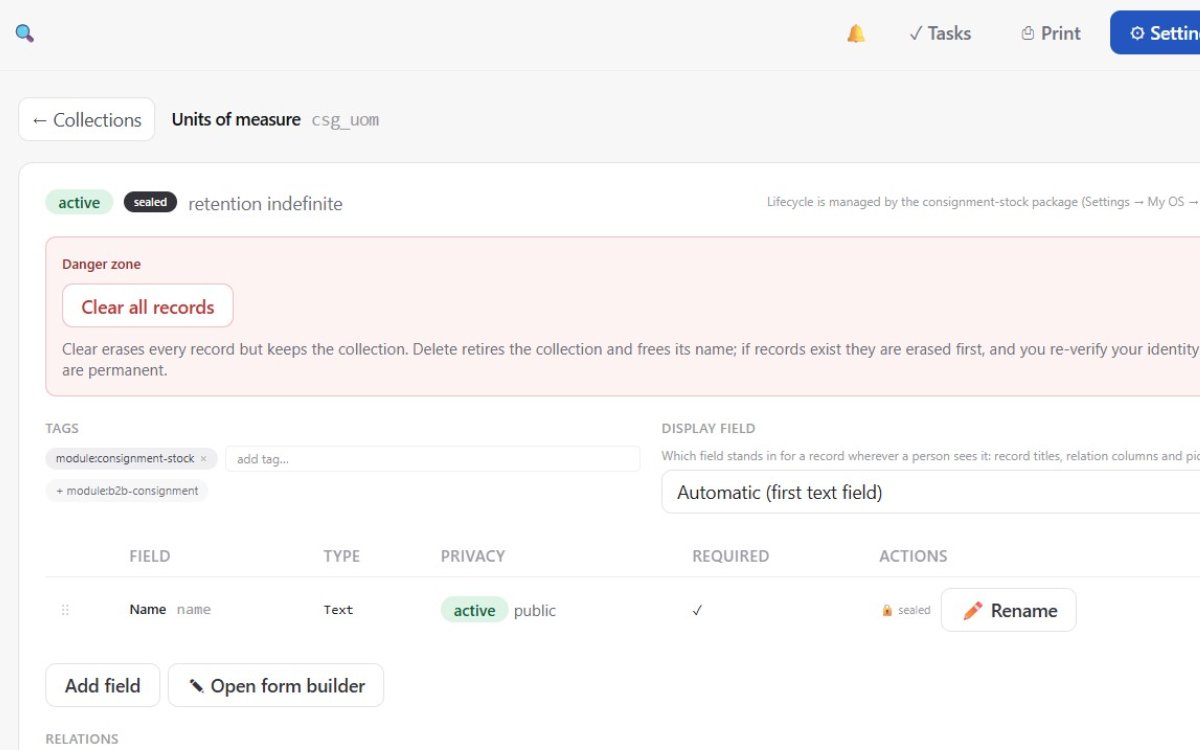
Module & Collection Builder
Where you define what the system tracks — before any rule or approval touches it.
- ✓Create collections (entities) with fields, types, and validation — no code
- ✓Link records together with relations, one-to-many or many-to-many
- ✓Add computed fields that calculate automatically from other data
- ✓Changes apply instantly across the module — no redeploy
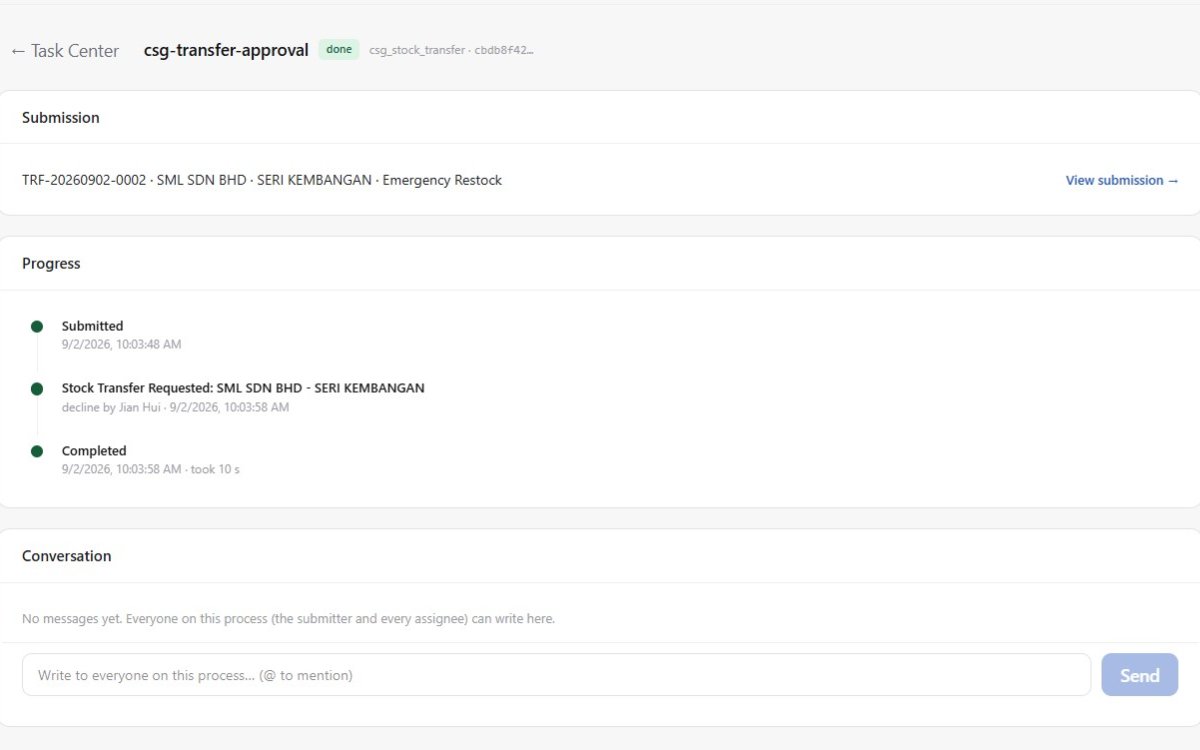
Multi-Level Approval Chains
Where every request gets routed, reviewed, and signed off — automatically, in the right order.
- ✓Approval chains route by role, department, or transaction amount
- ✓See every pending request and exactly who it's waiting on
- ✓Approve, reject, or delegate in one click — each action time-stamped
- ✓Conditional routing sends different transaction types down different paths
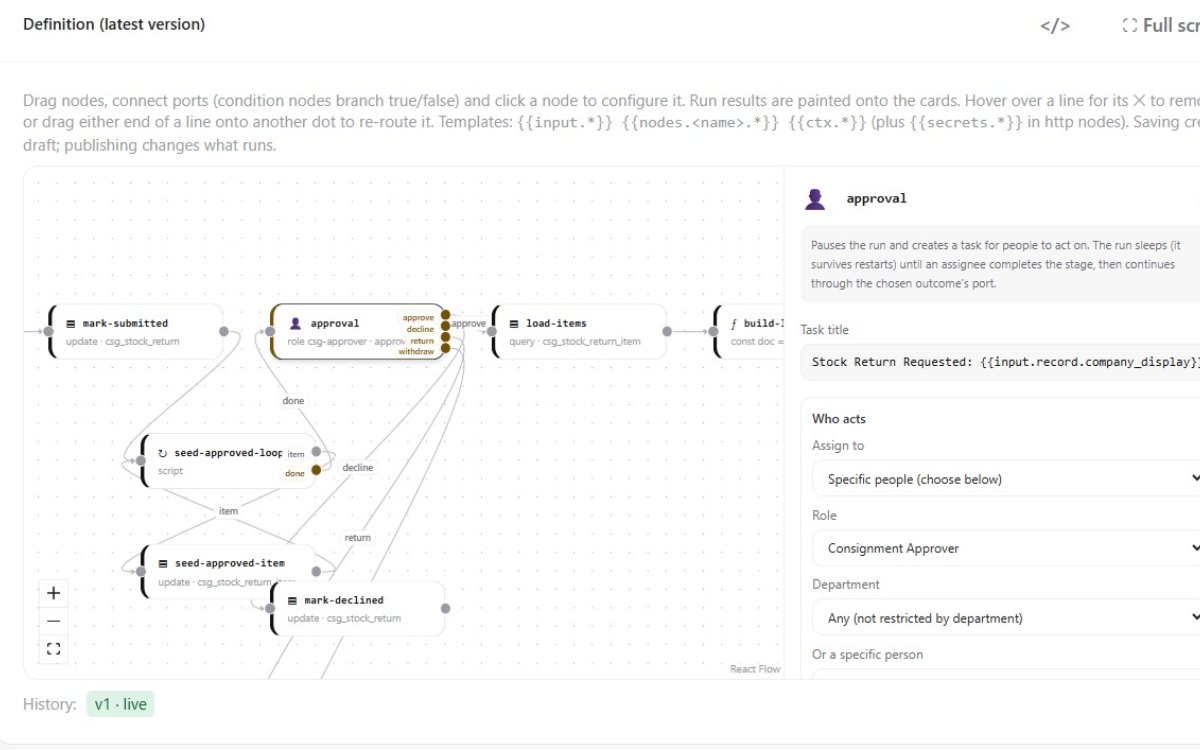
Workflow & Logic Designer
Where the approval chain from Screen 2 actually gets built — drag, connect, configure.
- ✓Drag-and-drop canvas for chaining steps, conditions, and branches
- ✓Set who approves at each step, and what triggers escalation
- ✓Test a workflow end-to-end before publishing it live
- ✓Reuse the same workflow logic across multiple modules
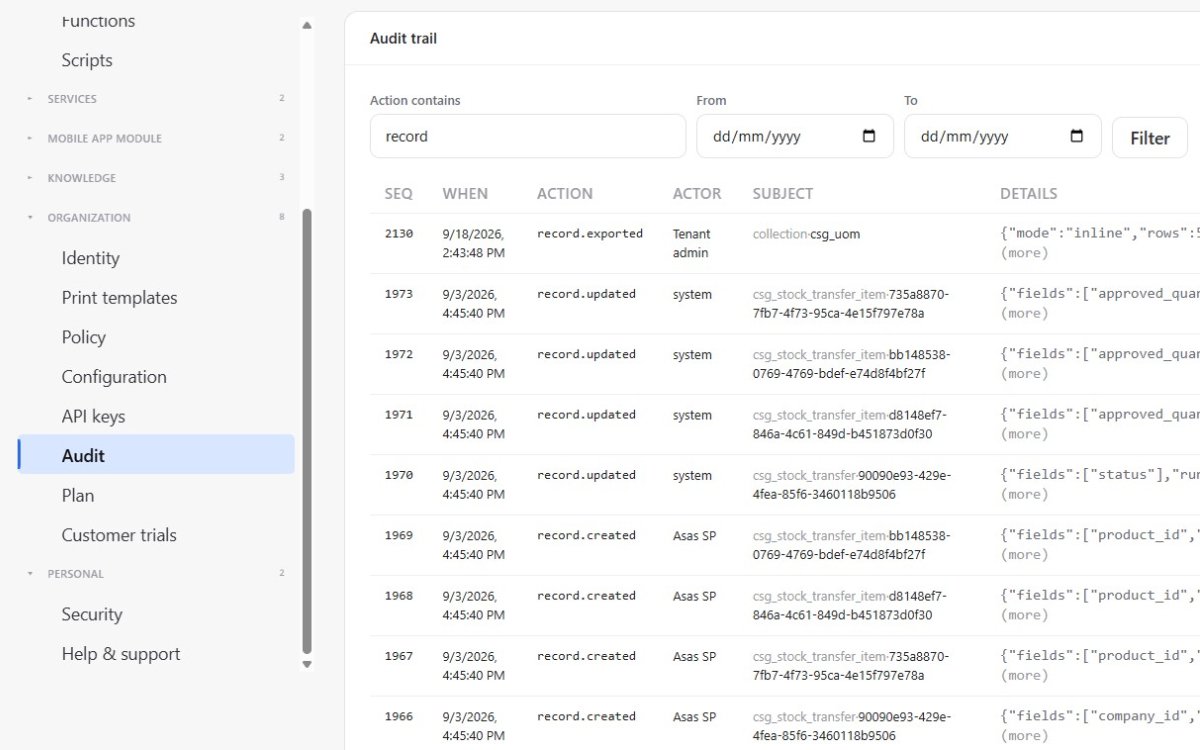
Full Audit Trail
Where every action in the system leaves a permanent, searchable record.
- ✓Every approval, rejection, and override captured automatically
- ✓Filter by user, date range, module, or action type
- ✓See the before-and-after value on every changed record
- ✓Export the log for compliance or an external audit
Form & Page Builder
Where the actual screens your team sees get assembled — the forms, lists, and pages.
- ✓Drag fields onto a form, arrange the layout, set what's required
- ✓Build list and detail pages without a developer
- ✓Preview exactly how it will look before publishing
- ✓Pages update live once published — no deployment step
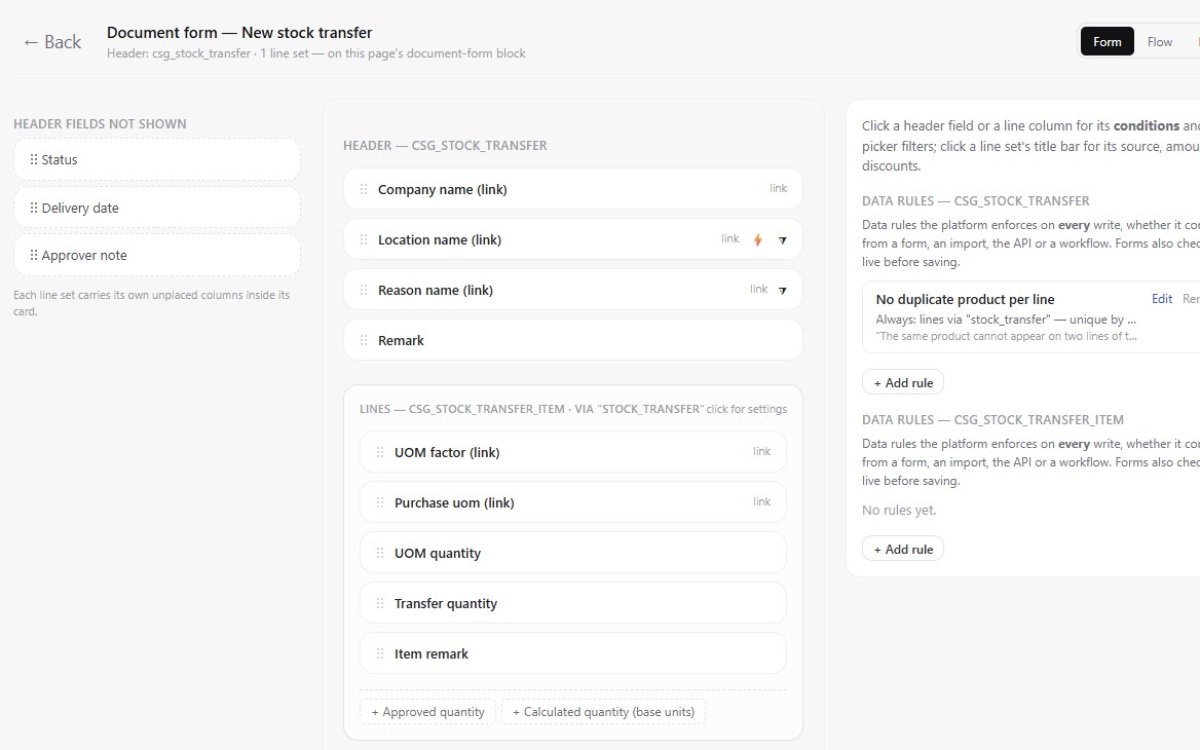
Live Governance Dashboard
Where managers and auditors see the state of every process, in real time.
- ✓Live counts: pending, approved, rejected, overdue
- ✓Bottleneck view shows exactly where requests are stuck
- ✓Compliance score broken down by department or branch
- ✓Click into any number to see the underlying requests
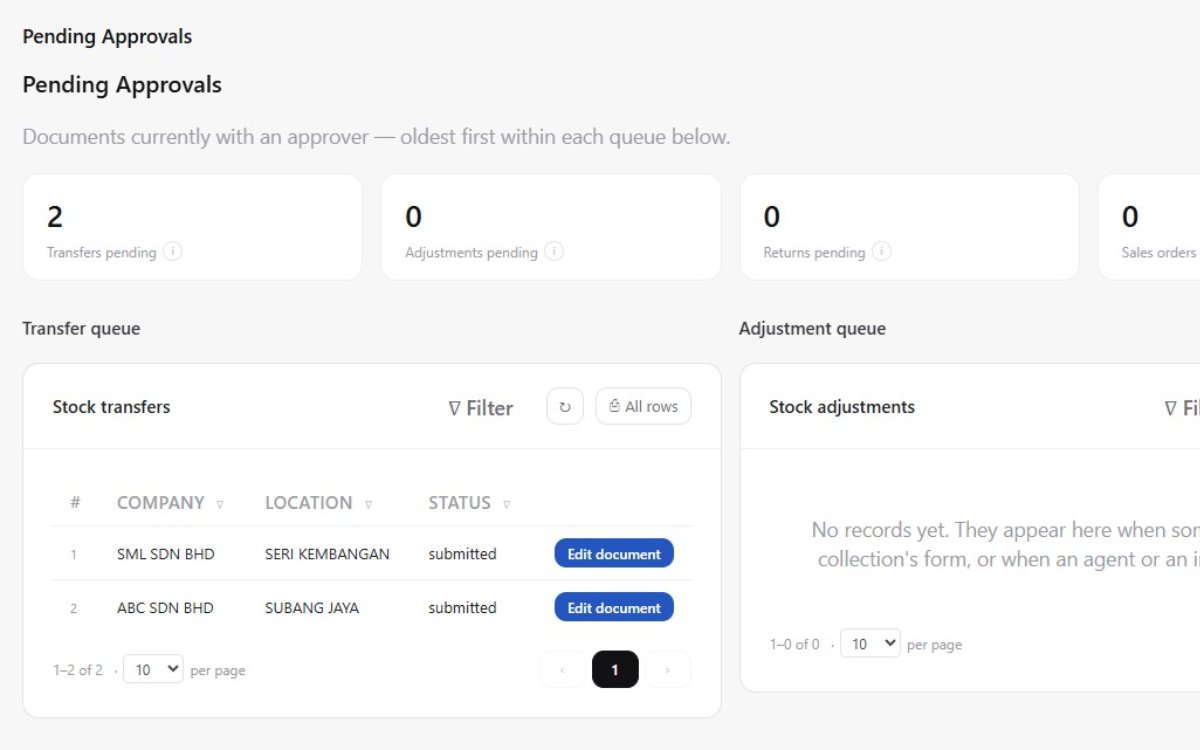
Roles, Branches & Permission Setup
Where admins configure who belongs where — before any approval ever runs.
- ✓Map roles, departments, and branches to your real org chart
- ✓Set what each role can see, edit, or approve
- ✓Configure temporary delegation for leave or absence
- ✓Every setup change is logged like any other action
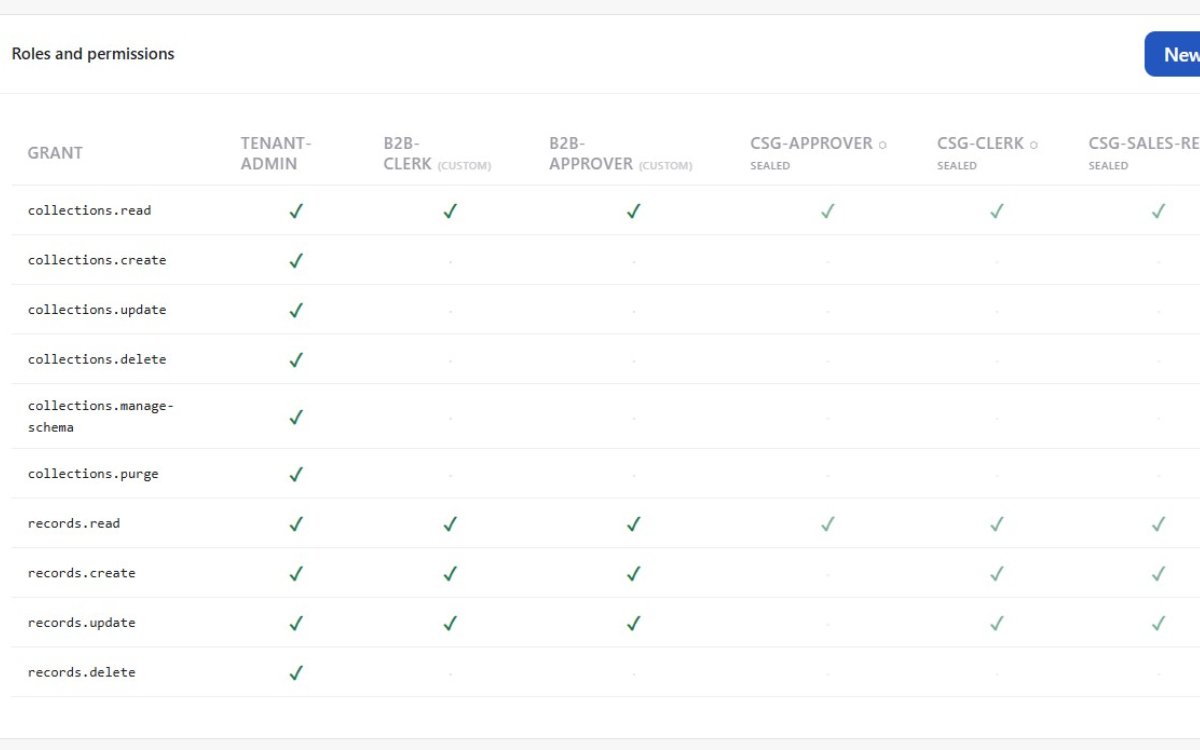
Real-Time Alerts
Where the right person finds out the moment something needs them — not at end of day.
- ✓Instant alert the moment a request needs your approval
- ✓Escalation alerts fire automatically if a request sits too long
- ✓Configurable by channel — in-app or email
- ✓Digest view for managers overseeing multiple queues
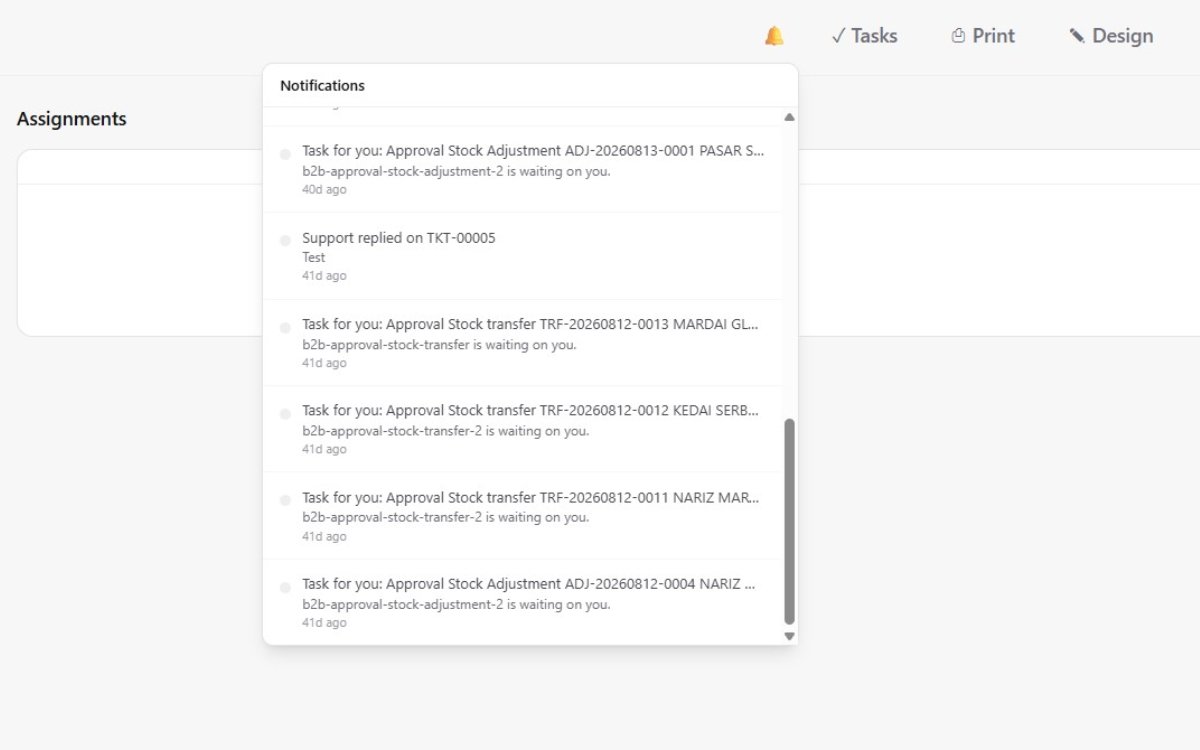
Want to See This on Your Own Business?
Talk to our team about what building and enforcing your processes with APES could look like.
Contact Us